Online Registration Renewal
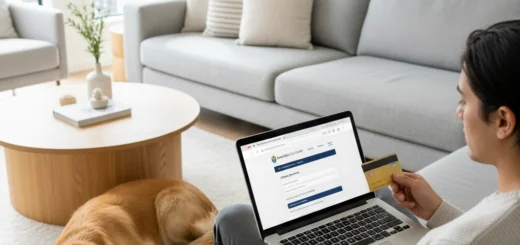
To pay dog registration in Hamilton, visit the Hamilton City Council online services portal. You must have your Owner ID or Dog ID found on your registration renewal notice. Select the dogs you wish to renew, verify your details, and complete the transaction using a credit card or online banking before the 31 July deadline to avoid penalties.
Renewing your dog registration is a critical annual responsibility for pet owners in Hamilton, New Zealand. Ensuring your payment is processed on time not only keeps you compliant with local bylaws but also funds essential animal control services, dog parks, and community safety initiatives. This guide provides a comprehensive walkthrough on how to pay dog registration in Hamilton efficiently using the online system.
How do I access the Hamilton City Council Dog Registration Portal?
Accessing the online portal is the first step to pay dog registration in Hamilton. The Hamilton City Council (HCC) has streamlined this process to ensure it is user-friendly and accessible from desktop or mobile devices. The digital platform is designed to handle high volumes of traffic, particularly around June and July when renewals are due.
To begin, navigate to the official Hamilton City Council website. Look for the “Do it online” section or the specific “Dogs” category. Within this section, there will be a prominent link labeled “Renew Dog Registration.” Clicking this will redirect you to the secure payment gateway. It is highly recommended to use a modern browser such as Chrome, Edge, or Safari to ensure all security scripts run correctly.
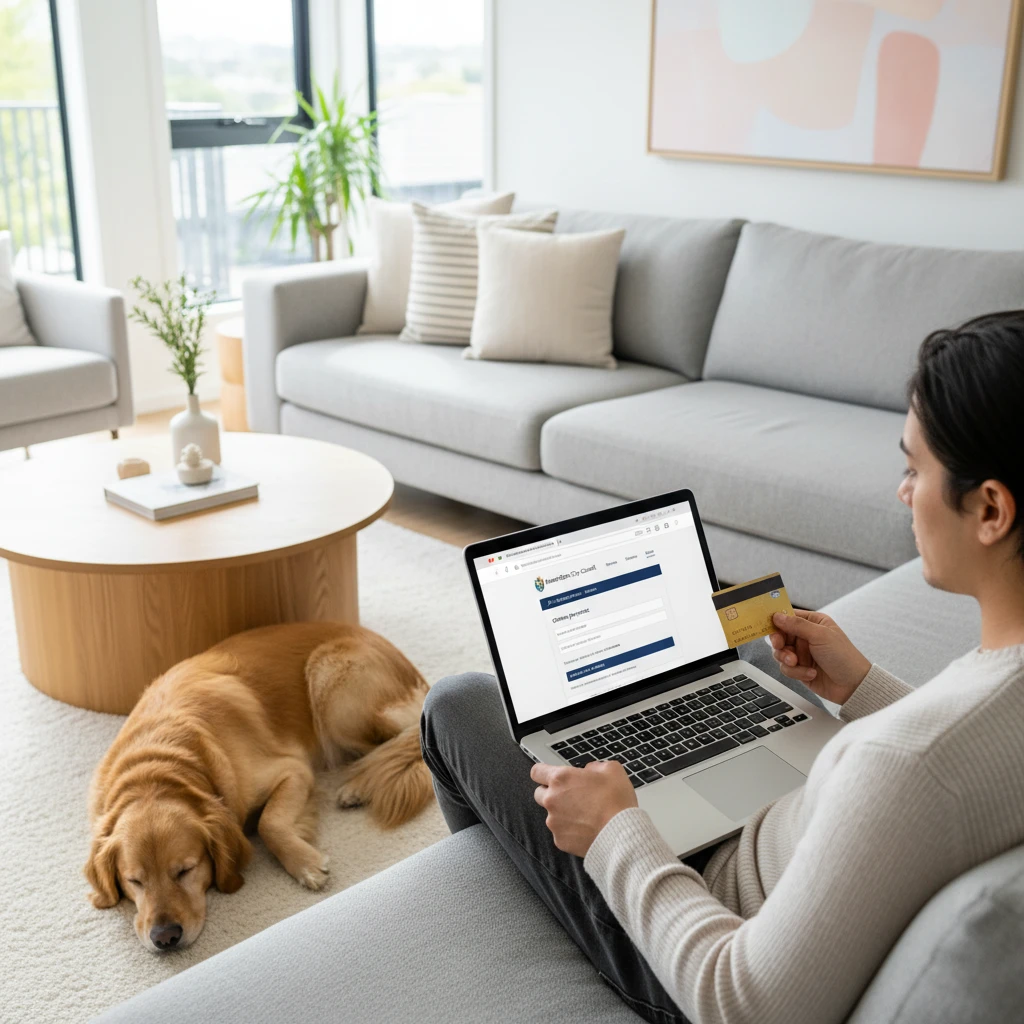
Unlike some services that require you to create a permanent account with a username and password, the Hamilton system often allows for “Guest” access provided you have the specific identification numbers sent to you via mail or email. This reduces friction and allows for a faster checkout process. However, if you have a ‘My Hamilton’ login, signing in can pre-populate forms and provide a history of past transactions.
What details do I need to pay my dog registration?
Before you sit down to pay dog registration in Hamilton, preparation is key. The system relies on specific unique identifiers to match your payment to your animal’s record in the Animal Control database. Without these, you cannot proceed.
The Registration Renewal Notice
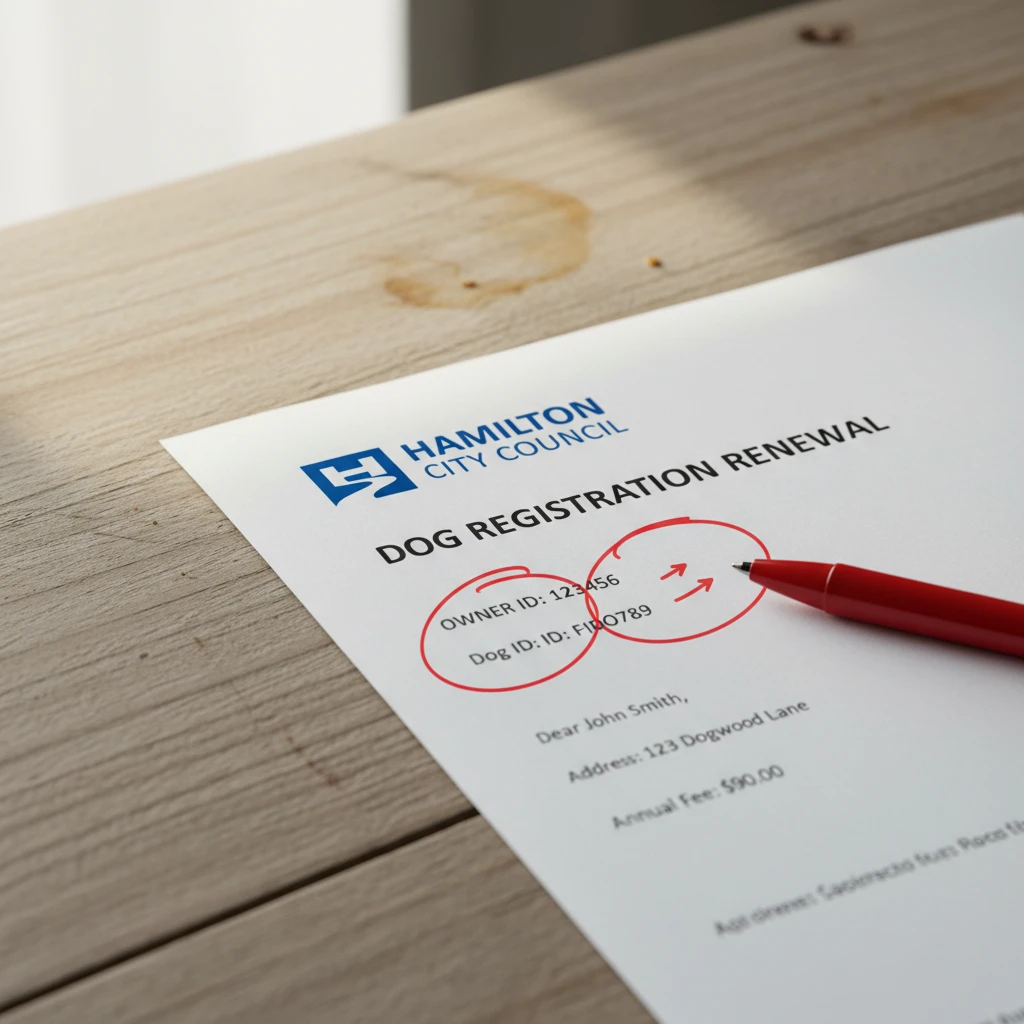
In May or June, the Council sends out a renewal notice via post or email (depending on your preference). This document is the most critical piece of the puzzle. It contains:
- Owner ID: A unique number assigned to you as the responsible party.
- Dog ID: A specific number for each dog you own.
- Date of Birth: Verification of the owner’s date of birth is often required for security.
If you have multiple dogs, they should all be listed under your Owner ID. The online system allows you to select all dogs linked to your profile and pay for them in a single transaction. If you are paying for a dog that is not listed, or if you have recently taken ownership of a dog not yet transferred to your name, you cannot use the standard renewal link. In such cases, you must file a “Change of Ownership” form first.
Which payment methods are accepted for online renewal?
The Hamilton City Council offers flexible payment options to ensure residents can easily pay dog registration in Hamilton. Understanding these methods helps you prepare the necessary funds and security authentication before starting the session.
Credit and Debit Cards
The most common method is via Credit Card (Visa or Mastercard) or Debit Card. Transactions are processed through a secure third-party gateway. Be aware that a small convenience fee or surcharge may apply to credit card transactions, which covers the bank’s processing costs. This fee is standard across most New Zealand council payments.
Account-to-Account (POLi)
For those who prefer not to use a credit card, the system typically supports Account-to-Account transfers (often via POLi or similar real-time bank transfer services). This allows you to log in to your internet banking directly through the portal and authorize the payment. This method usually avoids credit card surcharges and is instant, meaning your registration is updated immediately.
Internet Banking (Manual Push)
While the online portal is automated, some users prefer to push payment via their own banking app manually. If you choose this route, you must be extremely careful to include the correct Reference Number (usually your Owner ID). Failure to include the correct reference can result in the payment going into the Council’s suspense account, leaving your dog unregistered and liable for fines. The automated portal is always the safer choice to ensure immediate reconciliation.
What are the fees and deadlines for Hamilton dog registration?
Timing is everything when you pay dog registration in Hamilton. The registration year runs from 1 July to 30 June. However, the payment window usually opens in late May or early June.
Standard Fee vs. Penalty Fee
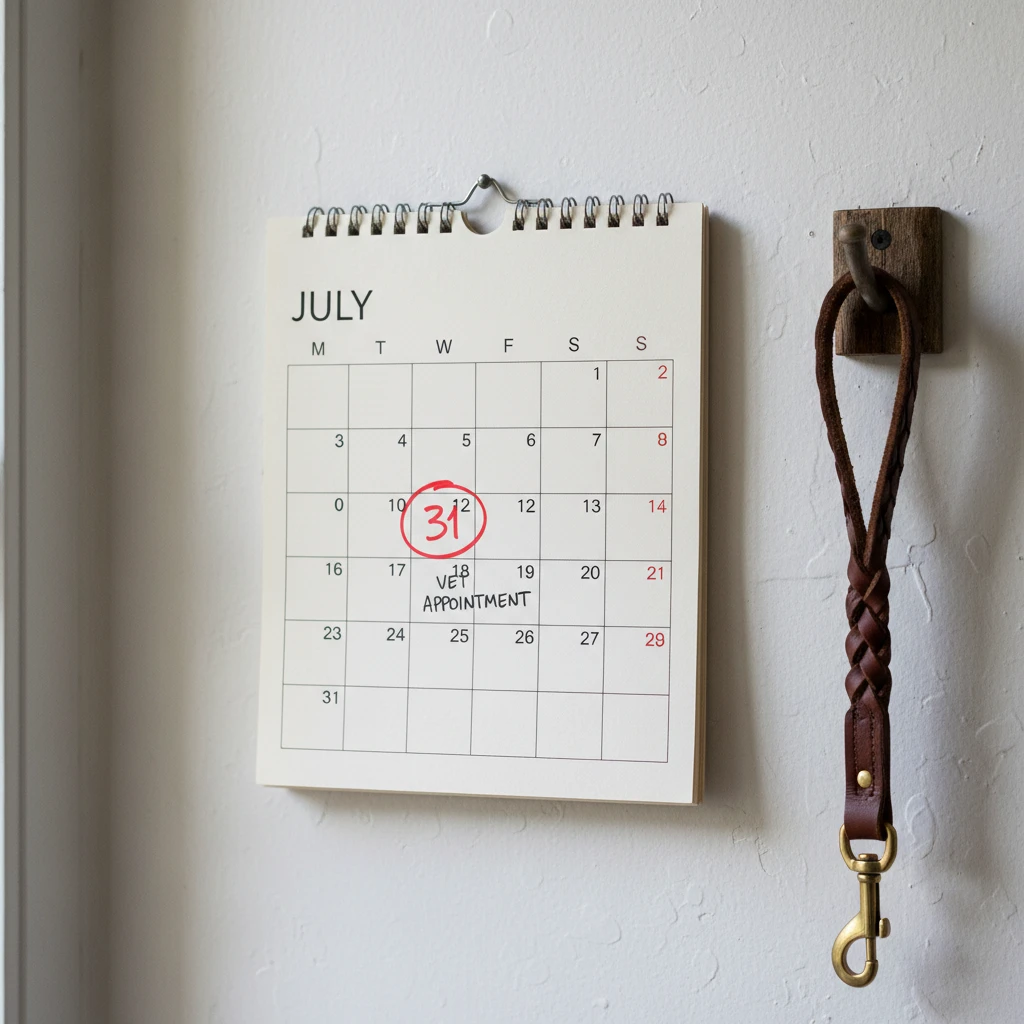
Standard Deadline (31 July): You must pay the standard registration fee by 31 July. If payment is received by this date, you pay the base rate.
Penalty Deadline (1 August onwards): If you fail to pay by 31 July, a statutory penalty is added to the fee. This is typically a 50% surcharge on top of the standard fee. For example, if the registration is $100, a late payment will cost you $150. This penalty is mandated by the Dog Control Act 1996 and is strictly enforced.
Responsible Dog Owner (RDO) Rebate
Hamilton offers a “Responsible Dog Owner” status which provides a discounted registration fee. To qualify, you must have a history of compliance (no impoundments, no substantiated complaints) and pay by the 30 June or 31 July deadline (check current year specifics). If you hold RDO status but pay late, you lose the discount and incur the penalty, resulting in a significantly higher cost.
How to fix login issues or lost registration numbers?
Technology can sometimes fail, or paperwork can go missing. If you are struggling to pay dog registration in Hamilton online, follow these troubleshooting steps.
I Lost My Renewal Notice
If you cannot find the letter with your Owner ID and Dog ID, do not guess the numbers. Entering incorrect numbers could pay for someone else’s dog. You must contact the Hamilton City Council Animal Education and Control team immediately. They can verify your identity over the phone (usually by asking for your name, address, and DOB) and provide your reference numbers. Alternatively, you can email the council, though this may take 1-2 business days for a response.
“Details Not Found” Error
If the portal says “Details Not Found,” check the following:
- Typos: Ensure you haven’t confused a zero for the letter ‘O’.
- Previous Owner: If you bought the dog recently, the dog might still be registered under the previous owner’s ID.
- Deceased Dog: If the dog has passed away and you notified the council, the record may have been archived.
Payment Declines
If your payment fails, check your bank balance and daily transaction limits. If using a mobile device, ensure your connection is stable. Sometimes, browser pop-up blockers prevent the 3D Secure verification window (Verified by Visa/Mastercard) from appearing. Try switching to a desktop computer if mobile payment fails repeatedly.
How do I update my dog’s details during renewal?
The renewal period is the perfect time to ensure the Council has accurate data. When you log in to pay dog registration in Hamilton, you will likely be presented with the current details held on file.
Change of Address
If you have moved within Hamilton, you must update your address. This determines where your tags are sent. While some portals allow a direct edit during payment, others require a separate “Change of Address” form to be submitted prior to payment. If the address on screen is wrong, it is best to call the Council to update it before paying to ensure your new registration tag isn’t mailed to your old house.
Desexing Status
If your dog has been desexed (neutered/spayed) since the last registration, you may be eligible for a lower fee category. However, you cannot simply change this status yourself online. You usually need to provide a veterinary certificate as proof. Submit this proof to the Council via email or in person so they can update the category before you pay the renewal. If you pay the full fee first, getting a refund for the difference can be administratively difficult.
Dog Status Changes
If your dog has passed away, you should not pay the renewal. Instead, notify the Council immediately. You may even be entitled to a partial refund of the previous year’s fee depending on when the dog passed.
Why is timely registration important for Animal Control?
Paying your registration is not just a bureaucratic hoop to jump through; it is the primary funding source for Animal Control & Pest Management in New Zealand. When you pay dog registration in Hamilton, your money goes toward:
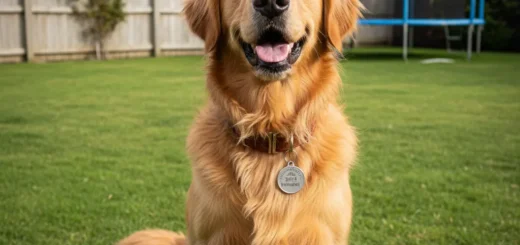
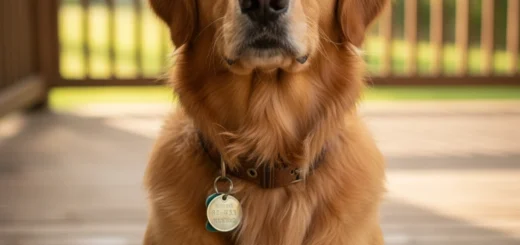
- Reuniting Pets: The registration tag is the fastest way to identify a lost dog and return it to the owner without a trip to the pound.
- Dog Parks: Maintenance of fenced dog exercise areas, poo bag dispensers, and park safety.
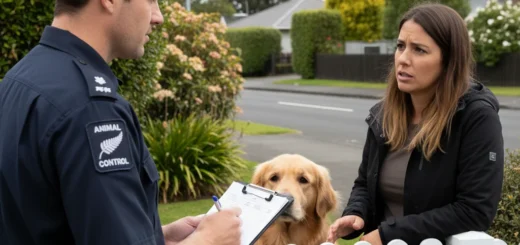
- Public Safety: Funding for Animal Control Officers to respond to aggressive dog complaints, wandering stock, and nuisance barking.
- Education: Programs in schools and communities to teach safety around dogs.
By paying on time, you contribute to a safer, more pet-friendly city. Furthermore, an unregistered dog is liable to be seized and impounded immediately if found wandering. The release fees for an unregistered dog are significantly higher than the cost of registration, making compliance the most financially sound decision.
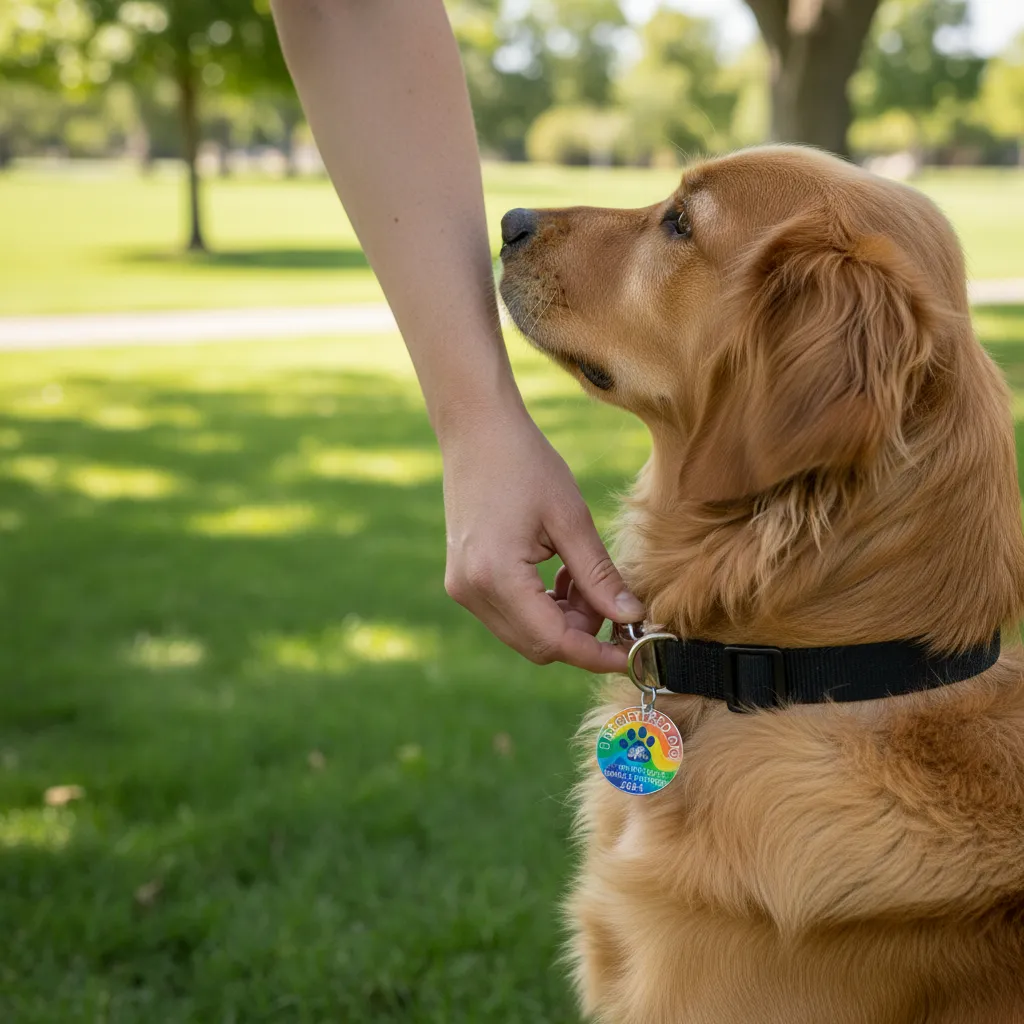
Once your payment is processed, the Council will mail your new registration tag (usually a different color strip each year) within 10 working days. Attach this to your dog’s collar immediately to prove compliance.
People Also Ask
What happens if I don’t pay my dog registration in Hamilton?
If you fail to pay dog registration in Hamilton by the deadline, a 50% penalty is added to the fee. Furthermore, unregistered dogs can be seized and impounded by Animal Control officers. Owners of unregistered dogs can also be issued a significant infringement fine (usually $300) for keeping an unregistered dog.
Can I pay my Hamilton dog registration in installments?
Generally, dog registration must be paid in full. However, some councils may offer payment arrangements if you are experiencing financial hardship. You must contact the Hamilton City Council rates or animal control team before the penalty date to discuss if any flexible options are available. Do not assume you can part-pay without prior approval.
How much is dog registration in Hamilton?
Fees vary depending on the dog’s status (desexed vs. entire), the owner’s status (standard vs. Responsible Dog Owner), and the type of dog (working dog, pet, dangerous dog). You should check the current fee structure on the Hamilton City Council website, as these are subject to annual review and change every July 1st.
Do I need to register a puppy in Hamilton?
Yes, all puppies must be registered by the time they are three months (12 weeks) old. You do not need to wait for the annual renewal period; you must register them as soon as they reach this age. The fee is usually pro-rated for the remaining months of the registration year.
Can I pay dog registration at the Hamilton City Council office?
Yes, while online payment is preferred, you can pay in person at the Council Municipal Building in Garden Place. They accept cash, EFTPOS, and credit cards. Ensure you bring your renewal notice with you to speed up the process.
How long does it take to receive the dog tag after paying online?
After you successfully pay dog registration in Hamilton online, the new tag is typically mailed to your registered address within 5 to 10 working days. If you haven’t received it after two weeks, contact the Council to ensure your address is correct and the tag wasn’t lost in the post.